
In 2026, the online logo market is crowded; many tools promise instant results, free downloads, and unlimited customization, but when it comes to editing or exporting the final logo, you confront many unpleasant surprises.
To ensure you invest in the best logo makers, we’ve tested 9 tools: same brand names, same prompts, one question: which ones actually deliver, and which ones just talk to thin air?
9 Logo Makers Ranked by User Reviews
|
Rank |
Platform |
Trustpilot Reviews |
Main Highlights |
|
1 |
Design.com |
4.7 ⭐ |
Instant AI generation, exclusive designs, free watermark-free download, 50+ tools, 500K+ logo templates |
|
2 |
BrandCrowd.com |
4.8 ⭐ |
380K+ templates, chat-based AI editing, free download, full brand kit |
|
3 |
DesignEvo |
4.8 ⭐ |
Industry templates |
|
4 |
Logo.com |
4.6 ⭐ |
Guided questionnaire, AI generation, free PNG |
|
5 |
Logomakerr.ai |
4.0 ⭐ |
AI-adapted concepts, manual editing, brand kit |
|
6 |
LogoMakr.com |
4.2 ⭐ |
Blank canvas plus AI mode |
|
7 |
Logopony.com |
3.1 ⭐ |
AI-powered editing, mandatory brief |
|
8 |
Brandmark.io |
2.6 ⭐ |
Clean guided generation, manual editing |
|
9 |
LogoMaker.net |
N/A |
8,000+ templates, label-free free downloads, manual editor |
BrandCrowd and DesignEvo both score higher than Design.com, but Design.com still won.
Keep reading to understand why.
1. Design.com
After testing all 9 logo makers, one thing was more than clear: Design.com does the most, while asking the least.
It generates logo concepts in seconds, doesn’t ask for industry- or style-related questions, all the designs are a mix of AI and professional touch, the logo library is huge (500K+ templates), all the logo templates come with full ownership, etc.
Users can ask the platform to generate anything visual identity related, including a business name and that’s exactly what we did:
Not only did the platform generate logo concepts, but also, based on our prompt, it produced a business name.
The generated logo concepts were all high-quality, and to export the files, no additional charges were required. After picking the logo, we could preview it on different branding materials before free export:
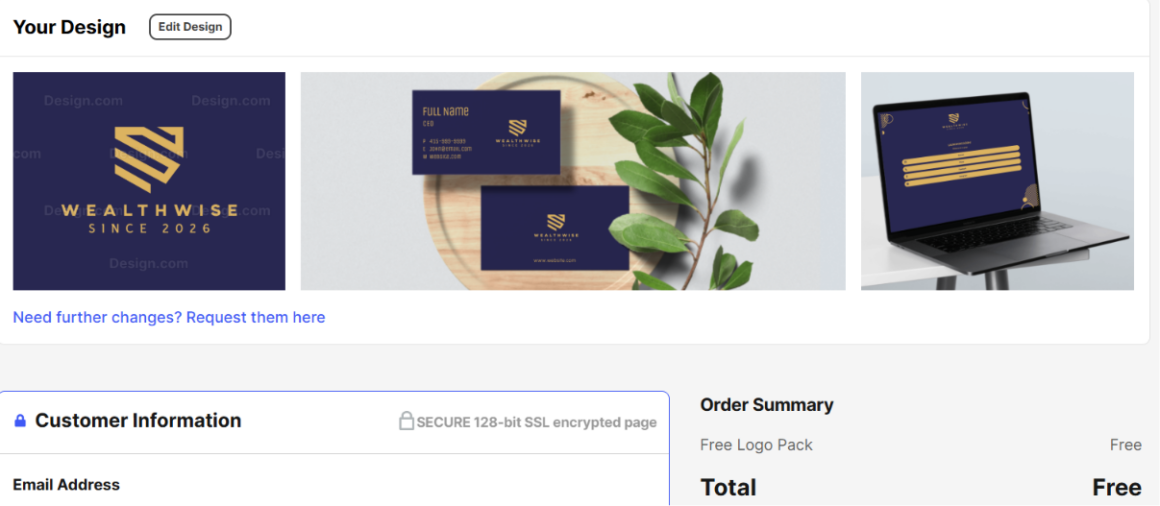
Pricing plans:
- Free tier (free logos, business cards, websites, 50+ design tools, free link-in-bio creator)
- Starter (Logo Pack): $5 per month, billed annually
- Value (Logo Pack + Website): $6 per month, billed annually
- Premium (Logo Pack + Website + More): $7 per month, billed annually
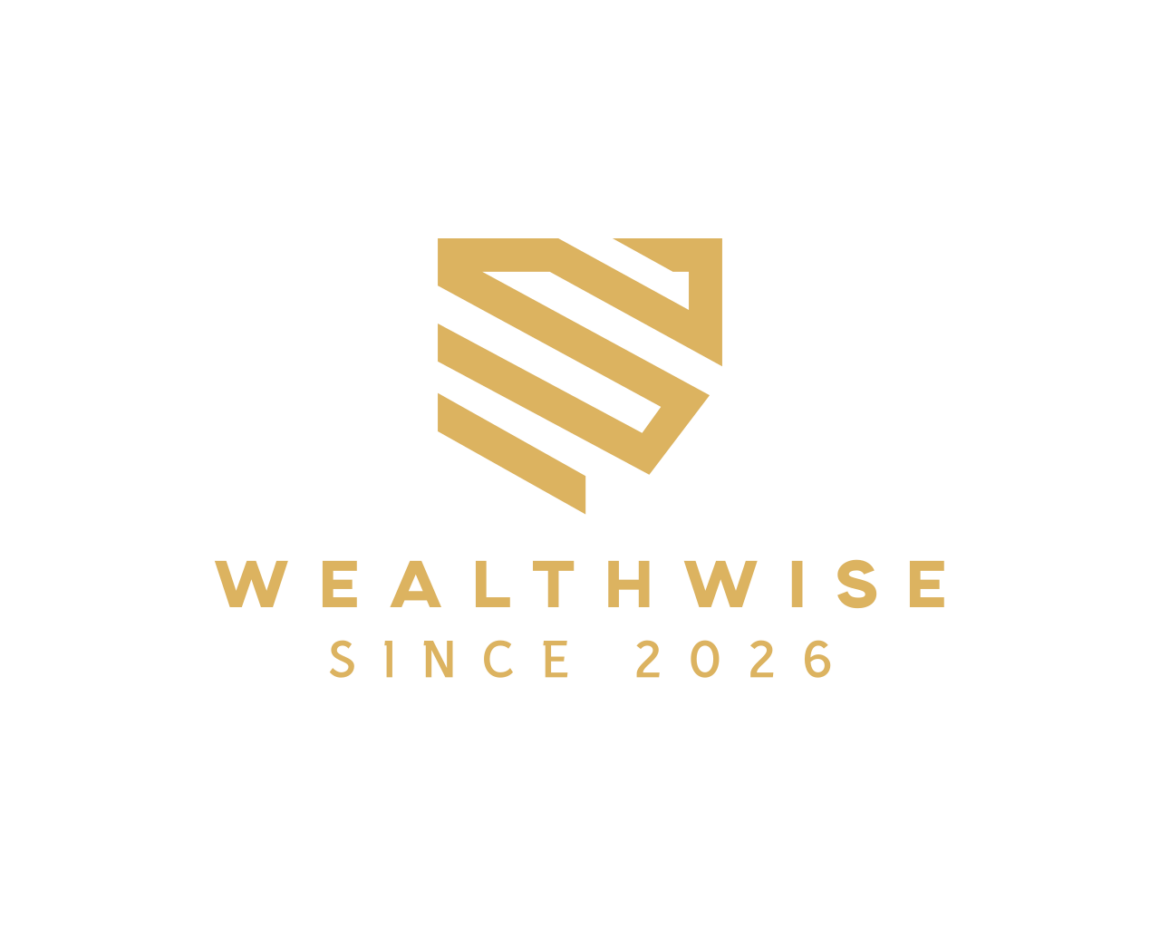
Once the logo was ready, we exported it in high-res PNG file, with a transparent background:
Worth noting:
- All the design templates come with full commercial safety
- The logo templates generated on Design.com are exclusive to the platform only
- It comes with a chat-based AI editor: chat with the AI bot and make the changes
- The platform offers a wide range of completely free logo templates
- Users get automatic template branding once the logo template is done
- No design skills are required to work on the platform
- Instant logo generation
- 50+ branding tools, including posters, flyers, digital and traditional business cards, QR codes, etc.
- Multiple download options: PDF, SVG, JPG, MP4, GIF, EPS, etc.
All in all, Design.com is a comprehensive design platform across all industries.
2. BrandCrowd.com
BrandCrowd.com is the second most comprehensive logo design platform. It offers a quick setup, without requiring step-by-step guidance for generating logos.
Based on the business name Design.com suggested, we instructed BrandCrowd to generate logo templates for the financial industry:
We got:
- Thousands of logo templates in seconds
- Easy customization (either manually or AI-powered)
- Free logo download options
- Logo preview before download
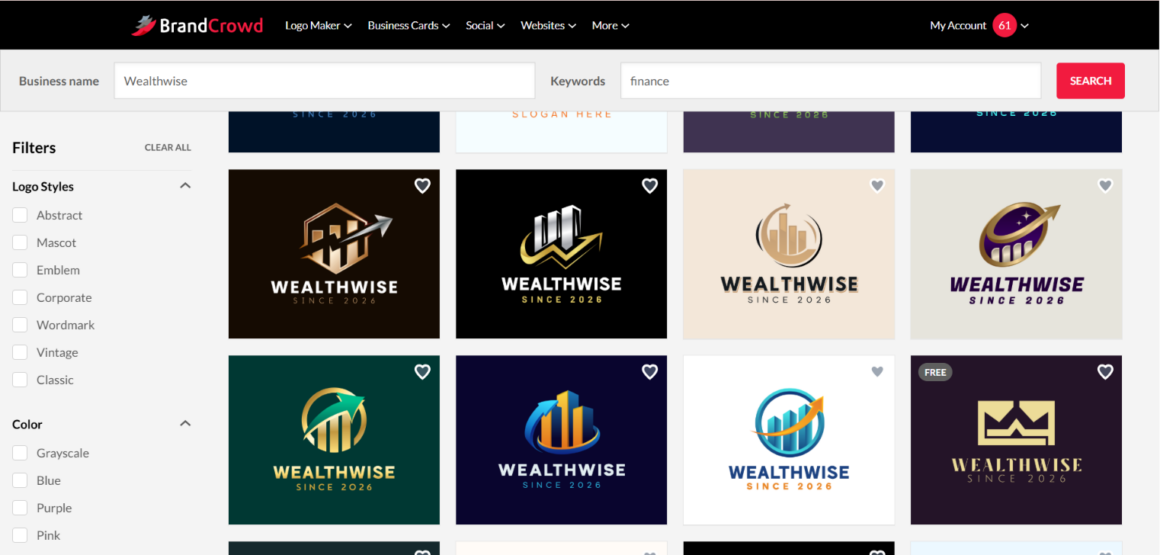
We grabbed a free template, edited it, and waited for the hidden paywall to appear, as it’s usually done for most logo makers.
Guess what? It never showed, because on BrandCrowd, free actually means free. And here’s a catch: once you pick a free logo template to download, you gain access to a free website builder, link-in-bio creator, and free digital business card maker, all fully free to be used commercially: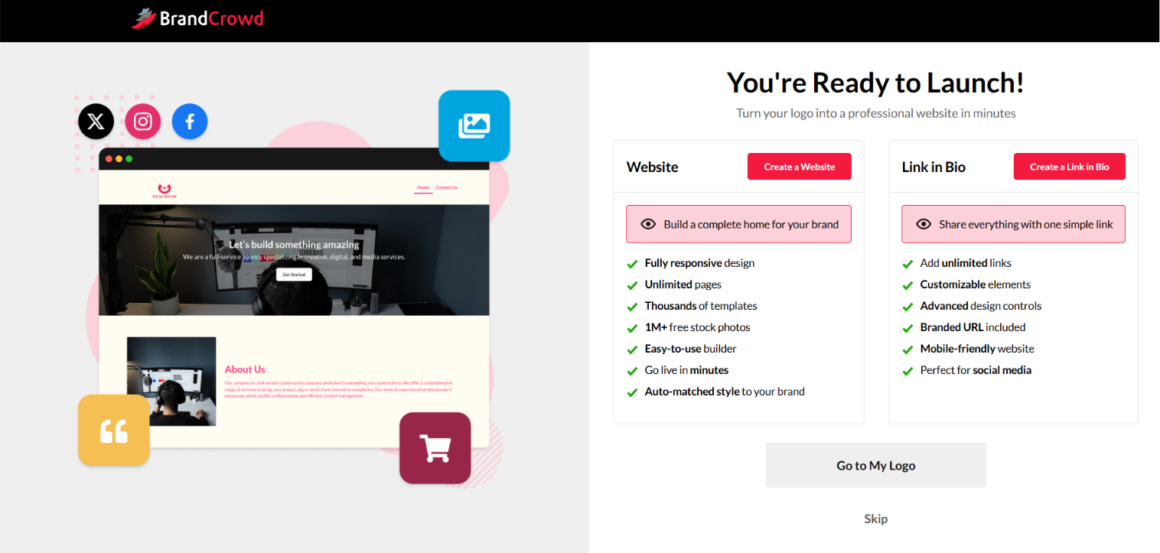
The edited logo (we did unlimited edits, by the way) again came with 100% commercial safety. We downloaded it in PNG format with a solid background and here’s how it looked:
BrandCrowd is a great pick if you want to get additional design assets that match your logo: posters, menus, letterhead, flyers, etc.
3. DesignEvo.com
Even though DesignEvo has the same rating as BrandCrowd, it works entirely differently. Is it fast and easy? It is. Does it provide fast, AI-powered customization? Not really.
DesignEvo relies on traditional style logo production; you search templates by industry and edit by hand from there. It does not require any keywords, or personalized templates:
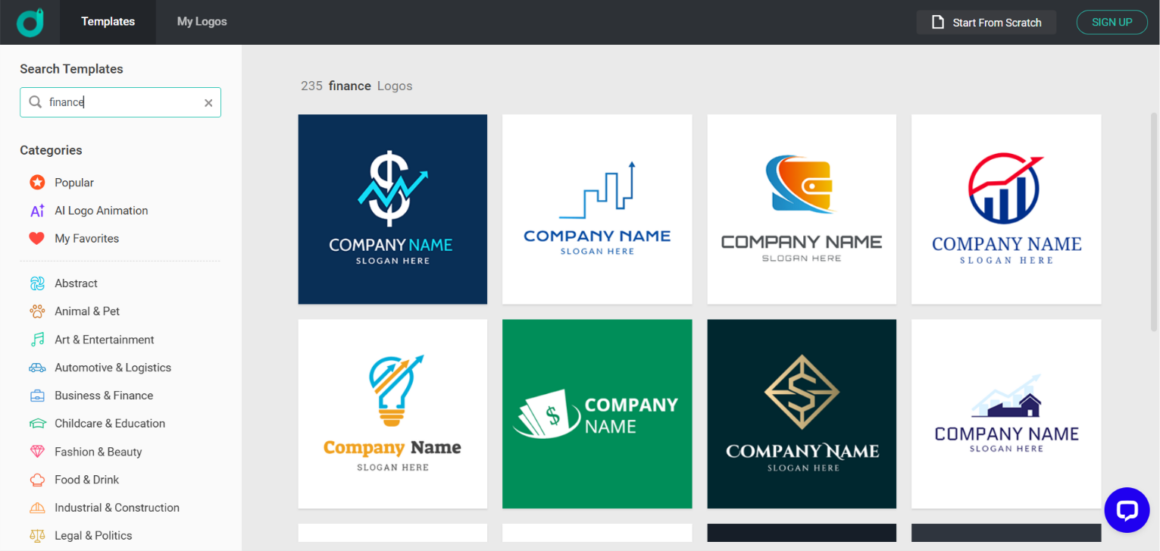
As you can see in the screenshot above, there’s no bar where the brand name can be inserted. Users can only pick an industry, and if your industry is not in the dropdown list, then it’s a dead end.
That’s the problem. No keywords, no personalization, no guarantee another user didn’t build your exact logo, same colors, same font.
Plus, downloading a template requires paying, with only a low-res file free.
Great template library, loyal reviewers, but it can’t compete with the top two in terms of modern AI logo generation.
4. Logo.com
Logo.com is AI-powered and generates logo concepts in under a minute. The platform is user-friendly, but it comes with a few mandatory questions before understanding what’s needed. Specifically, a 7-8 field questionnaire before you see a single logo.
You pick the industry, color, brand owner, and on and on. Once you’re done with all the questions and see the templates, editing is much smoother.
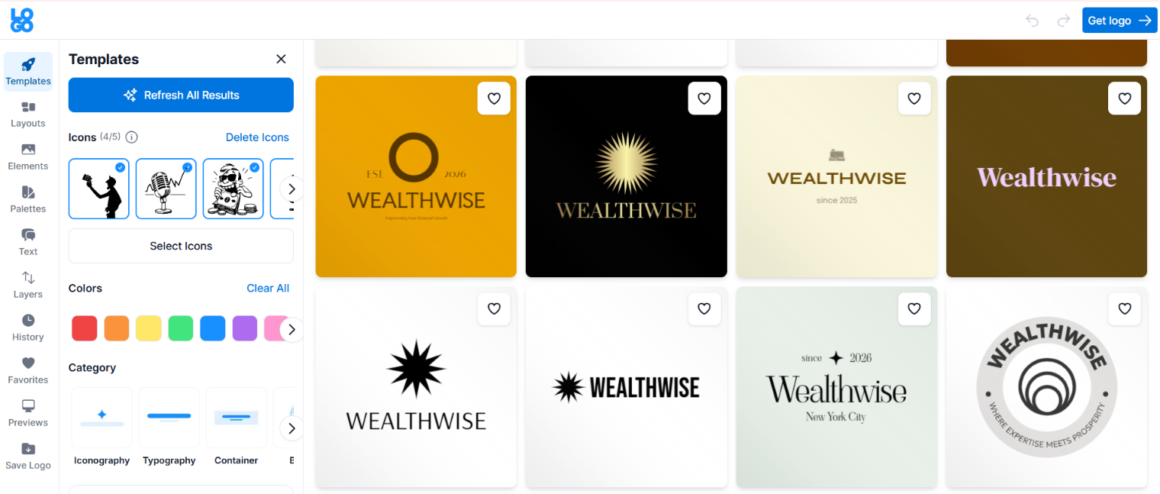
Users can either choose icons, fonts, shapes from the ready-made library or ask the AI to generate new ones based on preferences. That’s a plus that caught our eye.
And before downloading the logo, we could preview it on social media templates, business cards, and more.
Then the download throws more questions at you about paid plans. Skip them and the PNG is free; anything else costs money, with the Brand Plan from $3.6/mo.
See the PNG file below:
5. Logomakerr.ai
Next is Logomakerr.ai, which is again not prompt-based only. Users must fill in the business name, pick the preferred style, and done. The outcome is watermarked but fully customizable.
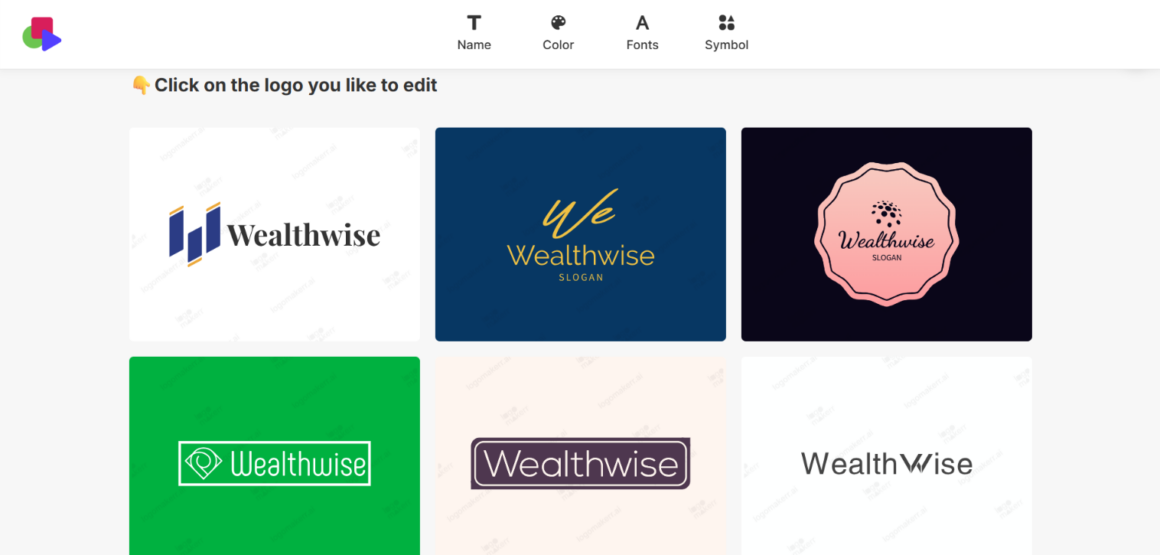
Even after picking the relevant industry, the logo concepts were mostly neutral and the icons did not actually reflect the financial attribute.
Editing the logos was not AI-powered; one must do all the customization manually, based on ready-made icons, fonts, shapes, etc.
However, the platform comes with full brand kits: business cards, flyers, social posts.
As for free logo export, there’s no free tier; it comes with a one-time payment from $29.
6. LogoMakr.com
LogoMakr.com takes a long time to generate logos. After waiting for about a minute to see the final results, only one logo template shows up with a watermark.
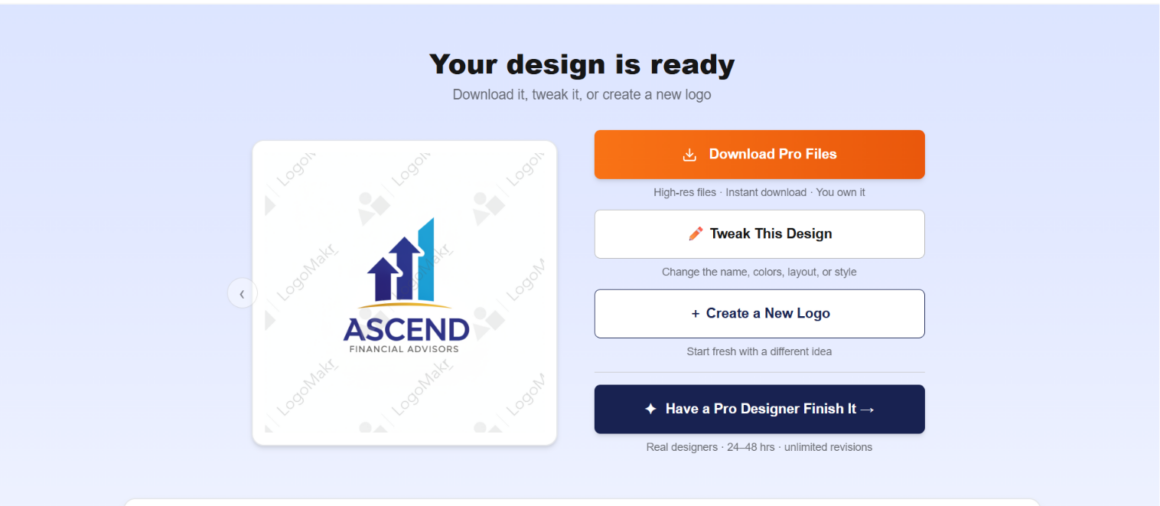
The platform offers two options: blank canvas or AI generation. We took the AI option for speed.
To download, you pay. No subscription, a one-time fee from $29 with full ownership. Reviewers like the responsive team and the editor’s control. But one concept for four minutes’ work is a rough trade.
7. Logopony.com
With Logopony, it’s quite different. Compared to LogoMakr, it requires your business name and a short description, and logo templates are ready in under a minute.

A solid logo template selection is generated based on the provided name and prompt, with no additional endless steps. Editing is easy, fast, and AI-powered, with the preview updating live.
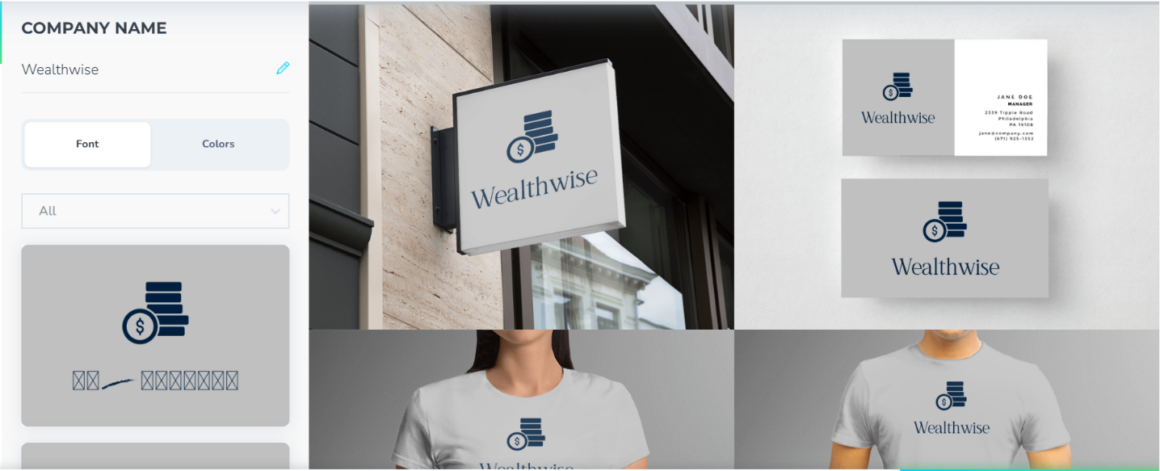
After customization, you can also see the logos on t-shirts, business cards, posters, and other materials.
Then export asks for money ($15, one-time payment), no free tier.
Overall, it produces good logos, good AI editing, and reasonable pricing, considering the lifetime access it gives for low-res downloads.
8. Brandmark.io
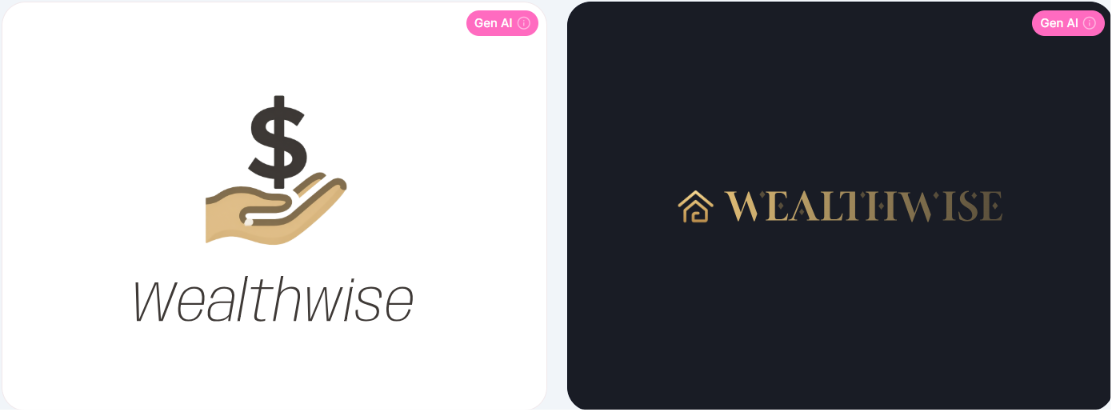
While logo generation speed is not the fastest, the quality is clean and aligns well with the given keywords. Editing is not credit-based, and you can customize as much as needed. However, after you’re done editing, a one-time payment appears ($35 for the Basic plan) for the PNG file only.
Compared to Design.com, the pricing is much more expensive, given only one format is included in the price.
Users can preview the logos on shirts, social posts, and bags, making the printed result easy to picture.
9. LogoMaker.net
Finally, the last tool we tested was LogoMaker.net. It’s mostly a traditional tool that focuses on ready-made template suggestions, rather than prompt-based AI logo generation.
Even though we gave the business name, Wealthwise, it produced the following templates:
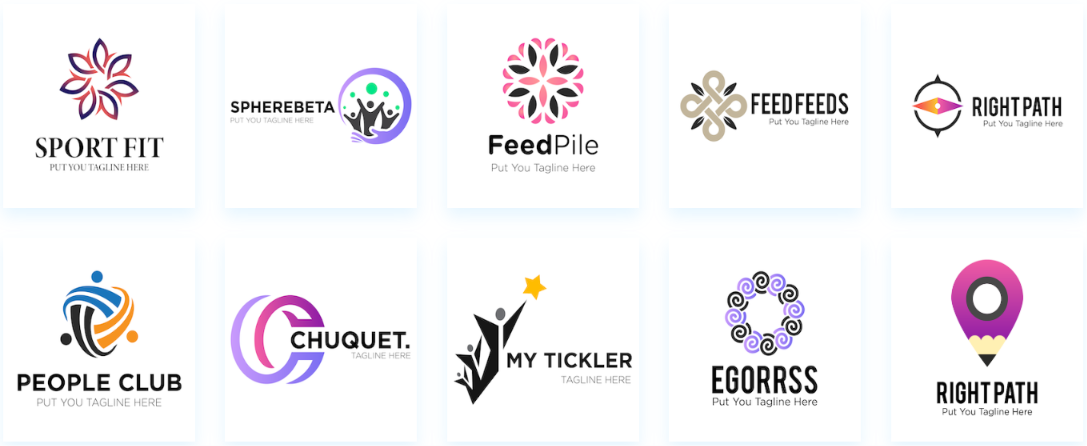
Per its site, there are 8,000+ free templates made by professional designers.
You enter industry (we could not find finances as a part of the industry), company name, optional tagline, pick a template, customize by hand, font, size, color, shadow, background, etc. It calls itself AI-driven, but the experience is template-and-editor based, not generative.
Its pitch is the free model: label-free, watermark-free, unlimited downloads, plus desktop and mobile apps.
It has zero Trustpilot reviews. On a ranking built around independent reviews, it sits last in our list.
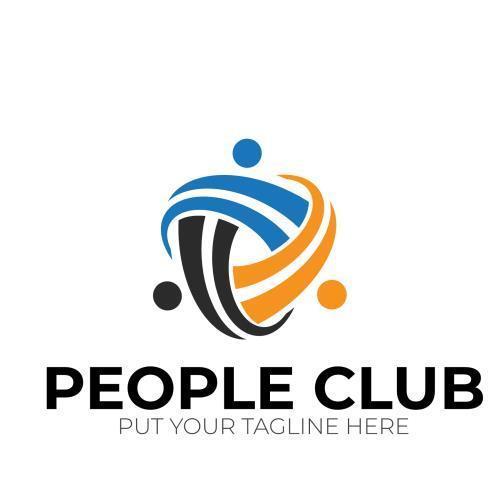
Below you can see the quality of the logo we exported for free in JPG format:
Final Verdict
We tested 9 popular logo makers in 2026, using the same prompts to evaluate logo quality, AI capabilities, customization, pricing, export options, and overall user experience. While many platforms advertise free logo creation or fast editing features, our testing revealed not every marketing pitch is worth your attention.
This comparison highlighted which logo makers deliver a smooth experience and which come with hidden limitations. So, now you know which tools come with the maximum features with minimal input, with Design.com taking the lead.