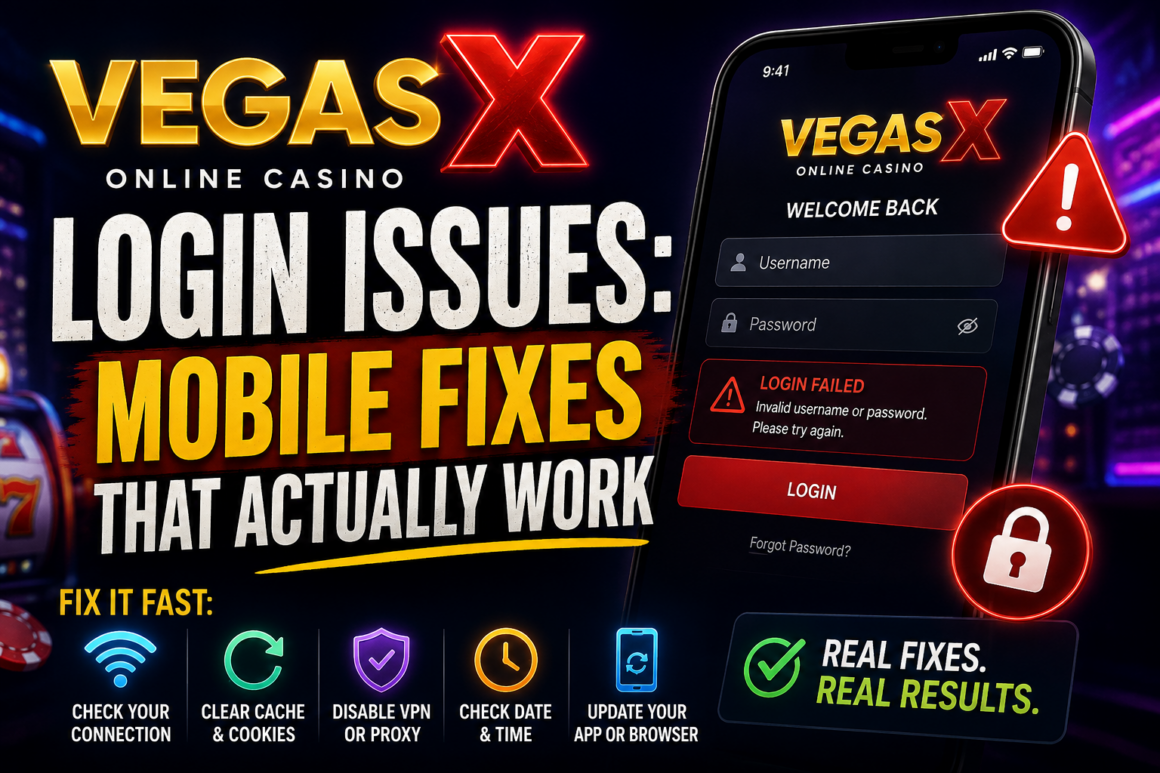
Login issues occur every time, regardless of the platform or service you are using. There are dozens of reasons for this problem. Sweepstakes platforms are no exception, as players on those sites also forget their passwords, face technical issues, and want to recover their account. In this article, we will focus on one of the most popular sweepstakes platforms, Vegas X, and discuss Vegas X online casino login fixes for players who can’t enter the platform. But before that, let’s address the main issue and explain why the login breaks in the first place.
Why the Login Breaks in the First Place
It is worth noting in advance that Vegas X is not available through the official app store or Google Play, as it is a sweepstakes gaming platform. Players who downloaded modded APKs from various sources face this issue and try deleting and reinstalling the app to fix it. However, those fixes won’t eliminate the core issue and help you get your account back. If you download the app from an unofficial source, you won’t be able to get professional customer support. Therefore, if you decide to download Vegas X from links you found online, keep these factors in mind before worrying about login problems.
Common Causes Behind Vegas X Login Problems
There can be a few common causes if you can’t log in to Vegas X.
- A weak or unstable internet connection is a common cause of Vegas X online casino login problems.
- Outdated cached login data can also be the reason you are unable to access Vegas X.
- Entering outdated login data or incorrect credentials can also be the reason why you weren’t able to log in.
- Server-side downtime on the platform’s end can also stop a login from going through, even when everything on your side is working correctly.
How to Fix These Issues
Fix the above-mentioned Vegas X casino login issues by following the recommendations below:
- If Vegas X won’t load due to a poor internet connection, you can switch networks or try mobile data to fix the issue.
- Clear the cache and cookies if outdated cached data is causing the issue. If you’re not sure whether the cache is causing your Vegas X online login issues, first try logging in to the platform in incognito mode.
- If you are accessing the platform through an agent or an aggregator website like VegasGems, you can either check their credential email for the correct version, or, if you have already changed it, ask them to update it and send a new one that works.
- If the platform itself is down, there’s not much to fix on your end. Try again after some time, and check whether other users are reporting the same issue before assuming the problem is with your device or connection.
Identify The Issue Before Looking for Possible Fixes
If you are facing Vegas X online casino login issues, the cause might not always be about your device or cache. So, identifying the main cause of the issue should always be the first step.
Signs the Platform Might Be Down, Not Just Your Device
If you cannot complete the Vegas X online casino login after trying on multiple devices and browsers, it may indicate that the platform itself is down. In this case, using the common fixes mentioned above won’t resolve the issue.
How to Play Vegas X in Your Browser
The easiest path to access Vegas X is through your browser. To access the platform in a browser, register on VegasGems, make a deposit, and receive the official platform link and your login credentials. Once you receive the credentials, you will be able to complete the Vegas X online casino login on both your mobile and desktop browsers. If you access Vegas X at VegasGems, you will get professional support whenever you have login or any other account issues.
FAQ
Why won’t my Vegas X login work on mobile?
Weak or unstable connections, outdated cached data, incorrect credentials, or temporary platform downtime typically cause Vegas X mobile login failures.
How do you fix Vegas X login problems?
Start with the basics: check your internet connection, clear your browser or app cache, confirm your username and password are correct, and try refreshing or restarting the page. If the issue persists, make sure to contact customer support from official sources. If you access Vegas X through VegasGems, you can fill out the form on the casino’s support page and have it fixed as soon as possible.
Why won’t Vegas X load on my phone?
There can be a variety of reasons why this issue happens. To fix the matter, clear the cache and try again. If this doesn’t solve the issue, you might as well try logging in to a different browser.
Can you play Vegas X without the app?
Yes, you can access Vegas X directly in web browsers, regardless of whether you are using your mobile or desktop device.
Is there a browser version of Vegas X?
The short answer is yes, Vegas X has a browser version for both desktop and mobile devices. If the Vegas X app is not working, players can switch to the browser version instantly.
What should I do if Vegas X is down for everyone, not just me?
Check the official site first; see if they placed a banner regarding the issue. If not, check your email for updates to verify whether there are any issues with the site.
Does clearing cache and cookies actually help with Vegas X login issues?
Most of the time, clearing the cache can help, but it is not a solution for every login issue and should not be the first option when trying to get back into your gaming account.